Buying a refurbished laptop turns out to be a great option
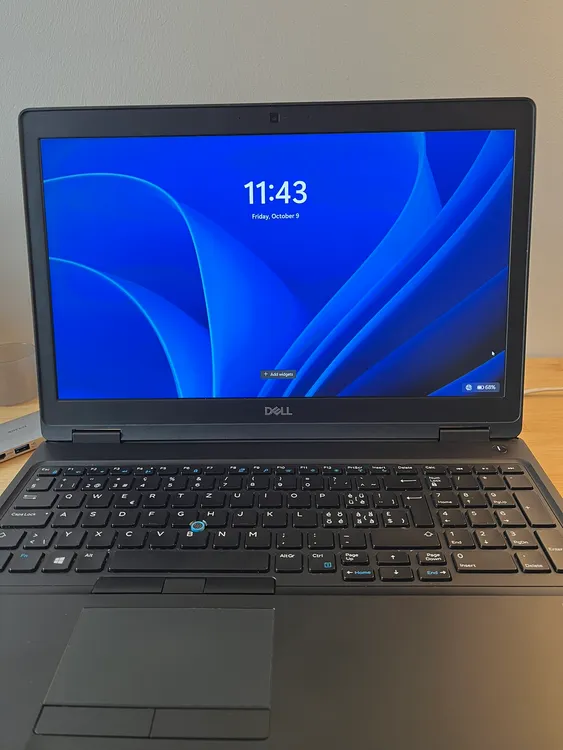
Finding Value in Refurbished Laptops: My Dell Latitude 5590
At work, I use a MacBook Pro M3, but for personal stuff, I’ve been using an old Dell Inspiron 3542 for years. Over time, I upgraded it from its original 4 GB of RAM and HDD to 8 GB of RAM and an SSD. It did a great job storing photo and video backups and acting as a local media server with Plex.
The main problem? The battery completely died. It had to stay plugged into the wall at all times, which meant it just wasn’t practical anymore for side projects or coding on the couch. It was time to get something else.
Why I Skipped New Laptops
I started looking at new laptops around the €500 mark, but the specs were disappointing. Most of them only came with 8 GB of RAM, and jumping up to 16 GB or more pushed the price way up. I didn’t need the latest high-end CPU or crazy power—I just needed enough RAM and a solid build so I could run my developer tools without breaking the bank.
That’s when I decided to check out refurbished business laptops, a category I’d always kind of ignored.
I almost bought a refurbished ThinkPad T590, but it sold out while I was thinking about it. I kept looking and found a Dell Latitude 5590 for under €300. Since I’ve always liked Dell laptops, the specs immediately stood out:
- CPU: Intel Core i5-8350U
- RAM: 32 GB DDR4
- Storage: 256 GB SSD
- GPU: NVIDIA GeForce MX130 (2 GB)
Getting 32 GB of RAM for under €300 seemed like a steal for a development setup, so I ordered it.
First Impressions & Physical Condition
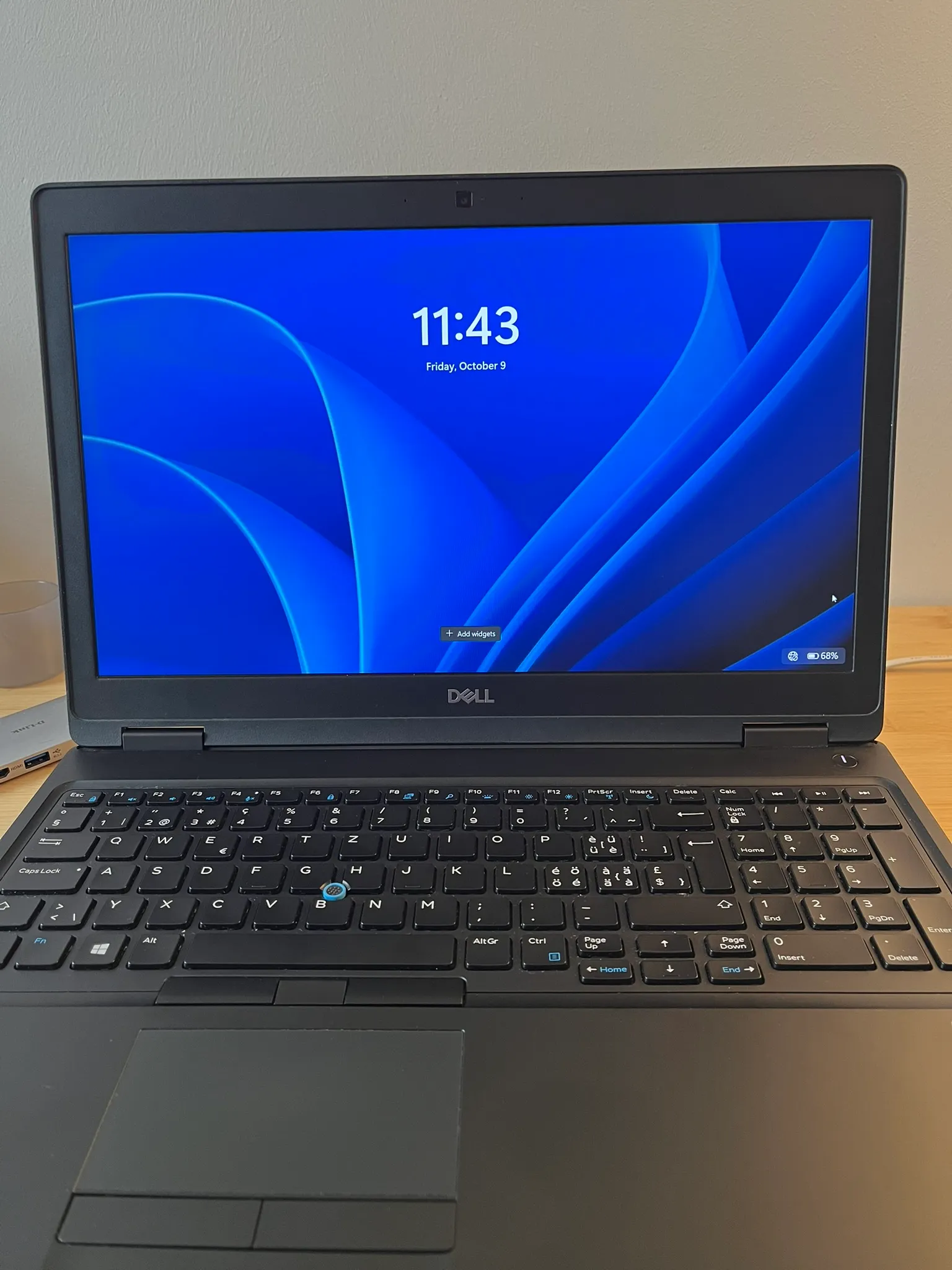
It arrived a few days later, and honestly, I was surprised by how clean it was. The keyboard looked brand new with zero wear, and there wasn’t a scratch on the body.
Coming from a MacBook where you need dongles for everything, the port selection on this Latitude is a huge relief. Having standard USB ports, full-sized HDMI, Ethernet, USB-C, and an SD card reader out of the box makes life so much easier.
The build quality feels really solid too. One of the best things about business laptops is how easy they are to open up, clean, and fix yourself. I’m fully expecting this machine to last me at least the next 5 years.
The only real compromise is the battery. Being a refurbished unit, it has some wear and lasts about 1.5 hours on a charge. That’s fine for moving around the house or doing quick sessions away from a desk, and replacing the battery down the road is a cheap and easy DIY job anyway.
One Month In: Performance & The OS Cycle
I’ve been using the Latitude as my main personal laptop for about a month now.
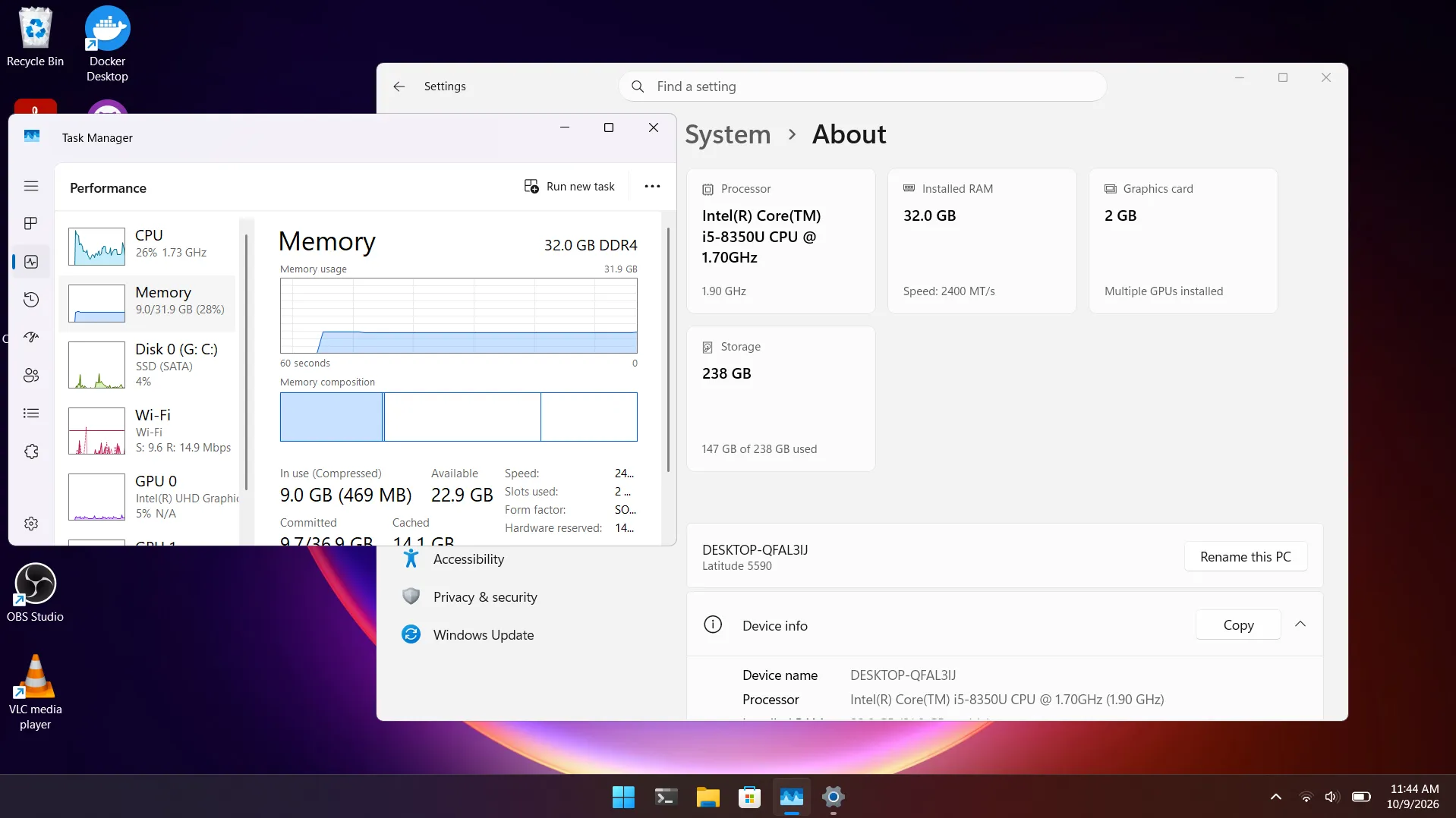
That 32 GB of RAM is easily the best part. Running multiple Docker containers, dev servers, VS Code, tons of browser tabs, and light photo editing across different workspaces works smoothly with no stuttering at all. The i5 CPU and entry-level MX130 GPU aren’t meant for gaming, but they give just enough boost for photo editing and general multitasking.
The software side ended up being a bit of an adventure, though. It came with Windows 11 pre-installed, but my plan was always to switch to Linux. Over the last month, I ended up going on a full loop: trying Windows 11, going down to Windows 10, jumping over to Linux, and eventually heading back to Windows 11 to sort out some workflow issues.
In my next post, I’ll dive into that OS roller coaster—why I started distro hopping, the issues I ran into with Linux on this hardware, and where I stand now.
Hardware
← All posts